Why Markdown editors wreck your git diff
A one-word fix arrives as a 300-line diff. Here is what WYSIWYG Markdown editors do to your file, why round-tripping loses information, and how to avoid it.
You open a README in a visual Markdown editor, fix a typo, and save. Then you run git diff and find that you have changed 147 lines.
Nothing is broken. The document still renders identically. But the diff is now useless to a reviewer, the blame history for the whole file points at you, and whoever was working on the paragraph below has a merge conflict to look forward to.
This is not a bug in one editor. It is a structural property of how most of them work, and it is worth understanding before you pick one.
The round trip
A WYSIWYG Markdown editor does three things:
- Parse your file into a tree of blocks: headings, paragraphs, lists, tables.
- Show you that tree, styled.
- Serialise the tree back to Markdown when you save.
Steps one and three are the problem. Markdown is a lossy representation of that tree — not in meaning, but in form. Several different files parse to exactly the same tree:
Setup
=====

* clone the repo
* run `make`
# Setup
- clone the repo
- run `make`Both are a level-one heading followed by a two-item list. The parser cannot tell them apart afterwards, because the difference never made it into the tree. So when the editor serialises, it prints whatever its own rules say — usually # headings and - bullets — and every line that was written the other way is rewritten.
The same applies to:
- Heading style. Setext (
===underlines) becomes ATX (#), or the reverse. - List markers.
*,+and-all mean “bullet”. Pick one and rewrite the rest. - Ordered lists.
1. 2. 3.versus1. 1. 1.— both render as 1, 2, 3. - Emphasis.
_italic_and*italic*are the same node. - Table padding. The alignment you carefully maintained is whitespace between pipes, and whitespace between pipes is not in the tree.
- Line wrapping. A paragraph hard-wrapped at 80 columns is one paragraph node. Serialise it and you may get one very long line, or a rewrap at a different column.
- Blank lines. Two blank lines between sections often becomes one.
- Trailing whitespace. Two trailing spaces mean a line break in Markdown. Three do not. Editors normalise this and occasionally change the rendering while they are at it.
None of these changes anything a reader sees. All of them change every affected line in the diff.
Why it matters more than it sounds
Review stops working. A reviewer’s job is to look at what changed. If 147 of 148 changed lines are noise, they will scroll, sigh, and approve without reading. Your actual typo fix gets the same attention as the whitespace.
Blame stops working. git blame README.md should tell you who wrote a sentence and why. After a full-file rewrite it tells you who last opened the file in a particular editor.
Merges get worse. Two people editing different sections of the same document should never conflict. Two people each rewriting the whole file always will.
Generated documents drift. If a script or an agent writes part of the file and you edit another part in a normalising editor, the next generation run produces a second full-file diff going the other way. The file oscillates between two spellings of the same content, forever.
The usual workarounds, and what they cost
Edit the source, not the page. A plain text editor cannot reformat what it does not parse. This is why a lot of people who care about diffs never use a visual Markdown editor at all. The cost is that you are reading | --- | --- | instead of a table.
Normalise deliberately, once. Run everything through a formatter — prettier --write '**/*.md', or markdownlint --fix — commit that as a single, isolated change, and add it to .git-blame-ignore-revs. Afterwards every tool agrees on the house style, and a normalising editor produces no noise because there is nothing left to normalise.
This is the right answer for a repository you control. It is not available for a document you have been sent, or one that lives in somebody else’s project.
Format on save, in CI. The same idea, enforced. Good for teams; irrelevant for the eleven Markdown files on your Desktop.
Don’t save. Use a viewer for reading and never let it write. Safe, but then fixing a typo means opening something else.
The other approach: only write back what changed
There is a fourth option, and it is the one Hem takes.
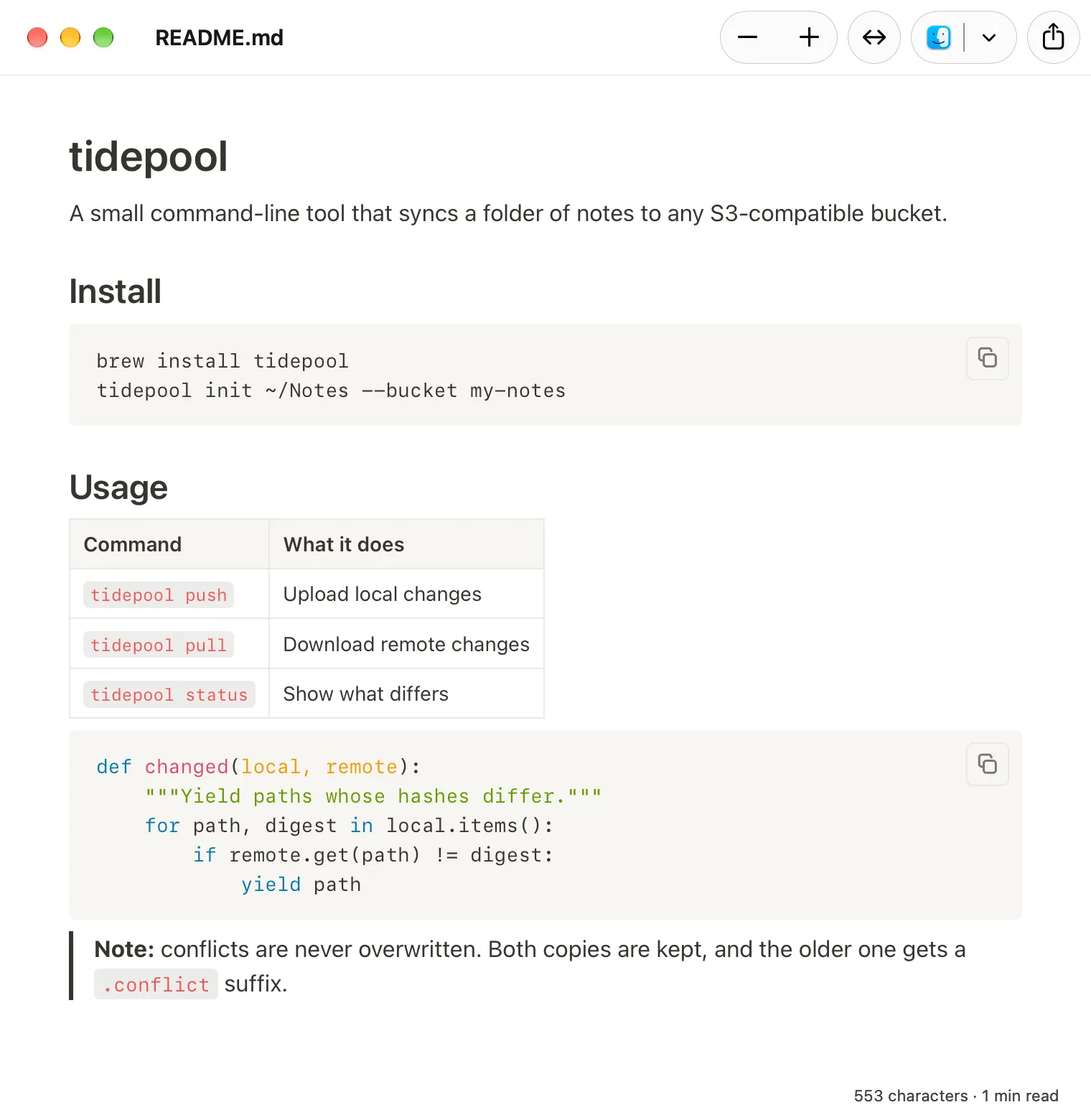
Instead of serialising the whole document from the tree, keep the original text, track which blocks the user actually modified, and rewrite only those — in the style they were already written in. The list that used * still uses *. The table keeps its padding. The paragraph you did not touch is not merely equivalent to what was there before; it is the same bytes.
So the typo fix looks like this:
 # Setup

-* clone the repo
+* clone the repository
 * run `make`
One line. Which is what it always should have been.
The approach has limits worth stating. Rewriting a block you did edit still means serialising that block, so if you restructure a list the new lines follow Hem’s conventions rather than divining yours. And a document where you change every paragraph will, correctly, produce a diff touching every paragraph. The point is not magic; it is that untouched text stays untouched.
What to check before you trust an editor with a repository
A quick test, which takes two minutes and tells you everything:
- Copy a real README with tables, mixed list markers and hard-wrapped paragraphs into a git repository.
- Commit it.
- Open it in the editor, change one word in the middle, save.
git diff --stat.
If the number is 1 insertion(+), 1 deletion(-), the editor respects your file. If it is three digits, you now know to run a formatter first, or to keep that editor away from anything with a history.
Hem is a free, open source Markdown viewer and editor for macOS that does the minimal-diff thing described above, alongside Quick Look previews, Mermaid and LaTeX. If diffs are the reason you have been reading Markdown as source, it may be worth two minutes and the test above.